
Org chart and directory
See who does what, and who reports to whom
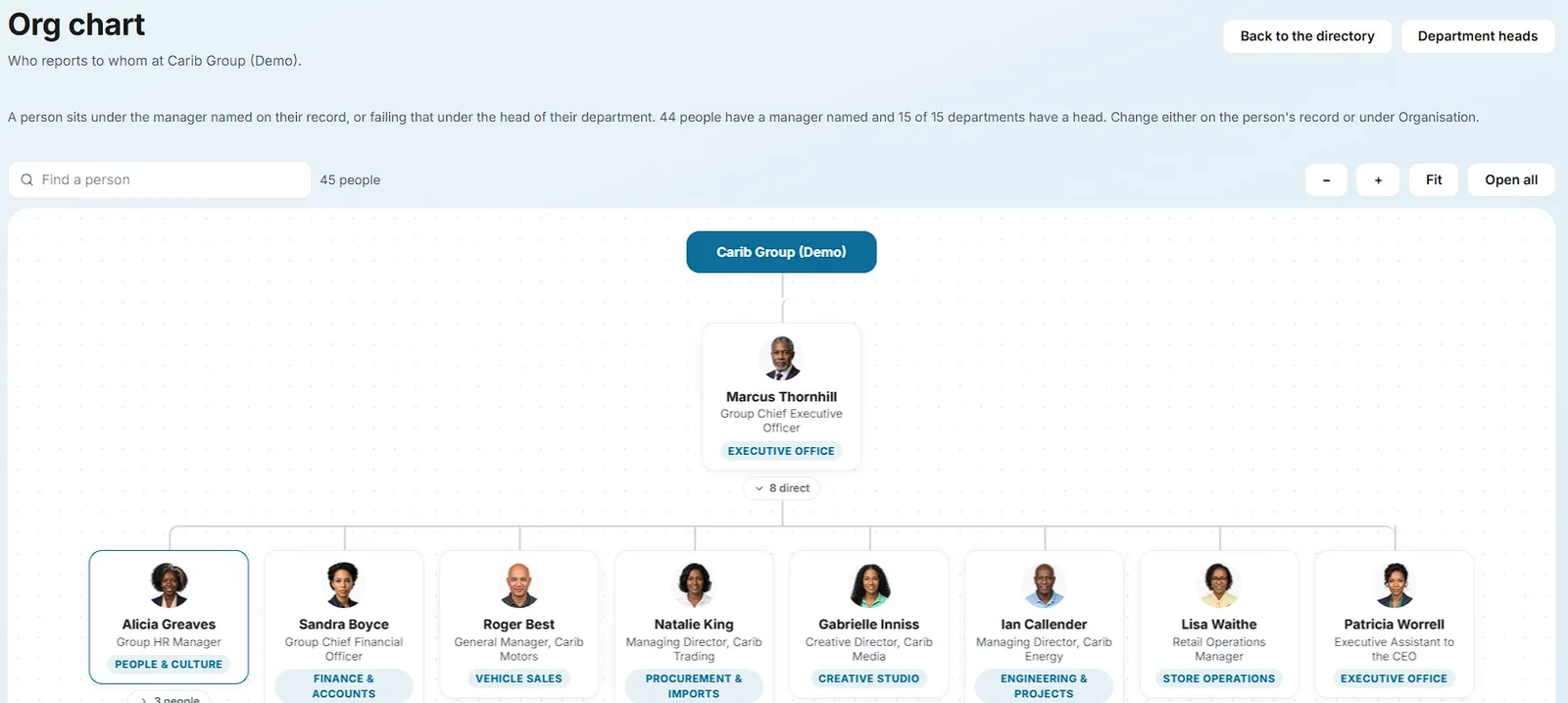
Departments, subsidiaries and locations describe how the company is put together. The org chart draws itself from who reports to whom, and the staff directory puts a face and a role to every name.
Included inStarterProEnterprise
The full list
Everything org chart and directory does
Structure
- Departments with their heads, inside subsidiaries if the group has several companies
- Locations with addresses, phones and a check-in fence on the map
- Pages, documents, courses and events assigned to any department, subsidiary or location
- An org chart drawn from each person's manager, or from their department head
The staff directory
- Photo cards grouped by department, with search by name, role, email or phone
- Drag to reorder, or drop a card on another department to move the person
- Hide somebody from the directory without changing anything else about them
- Managers see hidden people faded and marked, so nobody is lost
Works together with
One system, so nothing is typed twice
See it with your own company in it
We set up a demo around how your organisation works: your departments, your leave rules, your locations. Thirty minutes, on a call or in person.